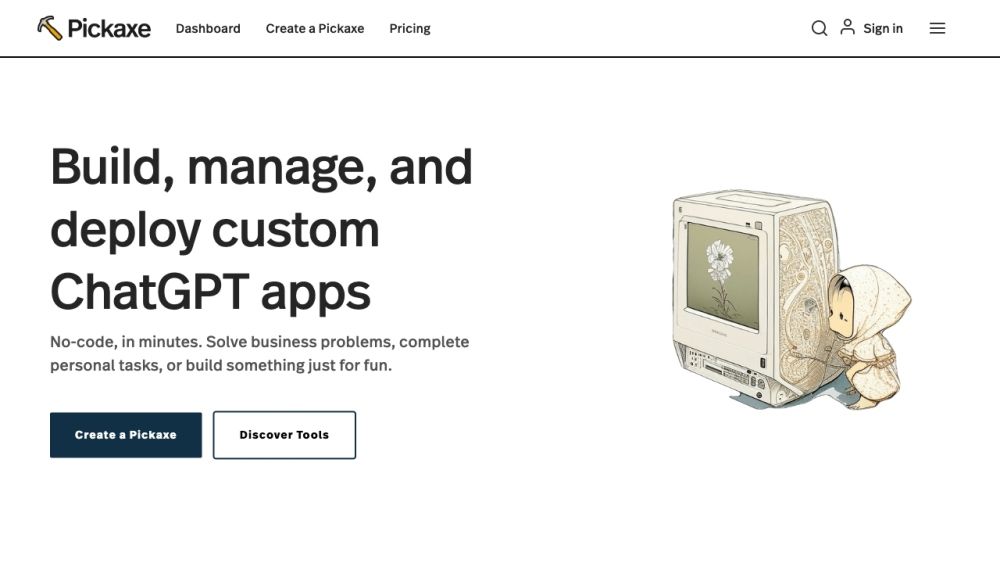
🤔 What is Pickaxe?
Pickaxe is a no-code platform that allows prompt engineers to build, share, and manage AI apps across their organization. It bridges the gap between generative AI prompts and the people who use them, empowering non-technical users to integrate AI prompts into their websites and internal dashboards.
📝 How to use Pickaxe?
To use Pickaxe, simply create an account and start building AI-powered apps using their simple, visual prompt-framing builder. You can use your own documents, data, and directions to train AI and make it work for you. Customize the design of your AI apps and embed them directly onto your website or internal dashboard. Monitor your app's activity, view responses, give feedback, and continuously improve it as you gather more data.
⭐ Pickaxe's Core Features
✨ Create and embed GPT-4 apps in your website or internal dashboard
✨ Use your own documents, data, and directions to train AI
✨ Customize the design of your AI apps
✨ Monitor app activity, view responses, and give feedback
✨ Continuous improvement of AI apps based on gathered data
🎯 Pickaxe's Use Cases
🔸 Online course website: Create and embed AI-powered tools to enhance the learning experience of online courses
🔸 Writer's room: Generate creative prompts and ideas for writers
🔸 Online store: Use AI tools to provide personalized recommendations and product suggestions
🔸 Dashboard: Embed AI apps in internal dashboards for seamless access and productivity
🔸 Blog: Enhance blog content with AI-powered tools for writing, research, and engagement
🔸 Online course: Create and embed AI apps to improve course content and interaction
❓ FAQ from Pickaxe
Can I get more credits? You can buy more credits or upgrade to the gold plan which provides 1,000 credits. If you're using over 1,000 credits a month, it is recommended to use your own OpenAI API key for cheaper and near unlimited credits.
How do I embed a Pickaxe on my website? After creating a Pickaxe, visit it on your dashboard and click the 'embed' button. Customize the sizing and design, then copy the embed link and paste it into your website. Pickaxes can be embedded on various platforms such as Wix, Squarespace, Webflow, Notion, Kajabi, and Wordpress.
Can I monetize my Pickaxes? While you cannot natively monetize Pickaxes, many users build profitable businesses by placing them behind paywalls on their websites. Platforms like Kajabi or Memberspace can be used for monetization.
Is there an affiliate program? Yes, Pickaxe offers an affiliate program. Contact them at [email protected] for more information.
How do I improve my Pickaxe? You can improve your Pickaxe through prompt design. Check out their guide to basic prompt design tips for more information.